

About What to Wear?
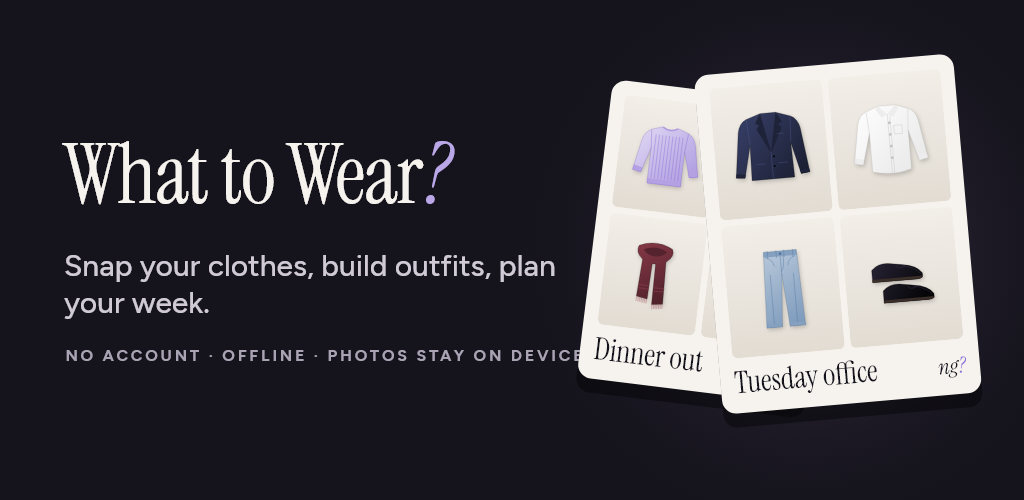
What to Wear? is a calm, photo-first wardrobe in your pocket. Snap your clothes, put outfits together and plan your week. No account, no sign-up, and your photos never leave your device.
YOUR WARDROBE, ORGANIZED
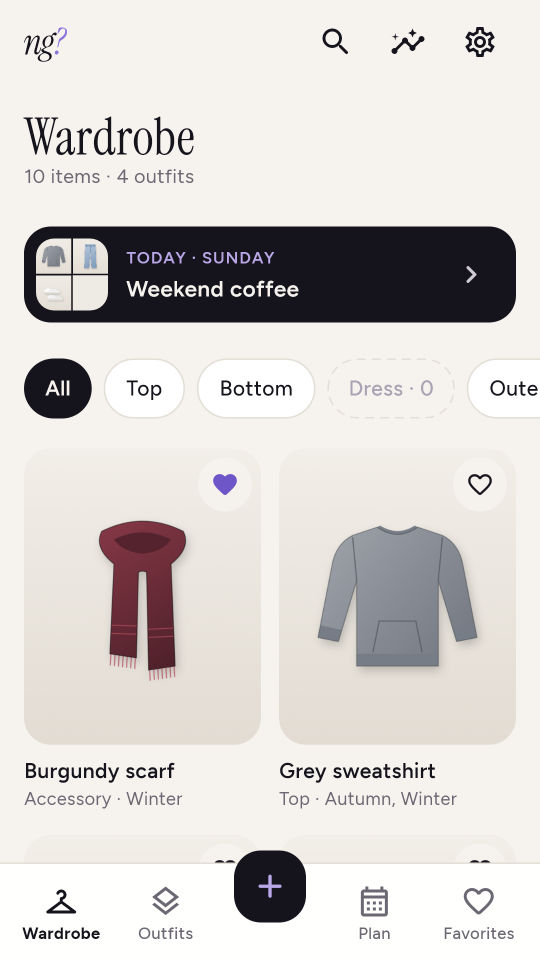
- Add clothes with the camera or from your gallery
- Sort each piece by category (top, bottom, dress, outerwear, shoes, accessory), color, season and your own tags
- Find anything fast with search and filters
BUILD OUTFITS
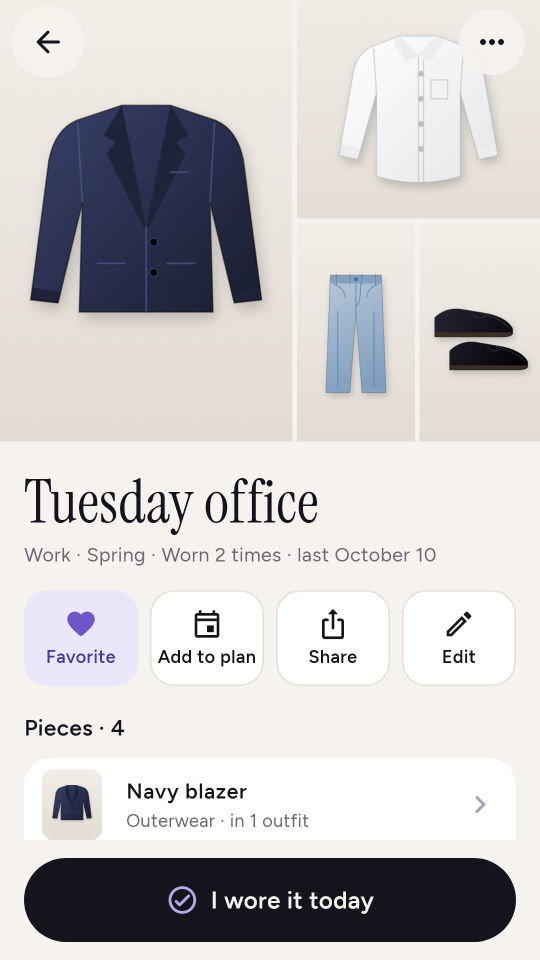
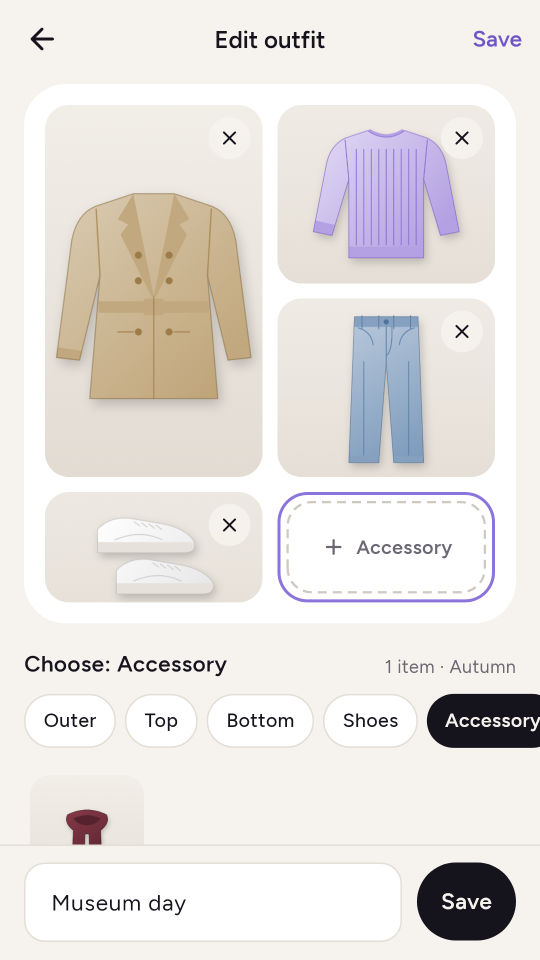
- Combine outerwear, top, bottom, shoes and an accessory into one outfit
- The same piece can be part of as many outfits as you like
- Mark favorites and see how often you have worn each outfit
PLAN YOUR WEEK
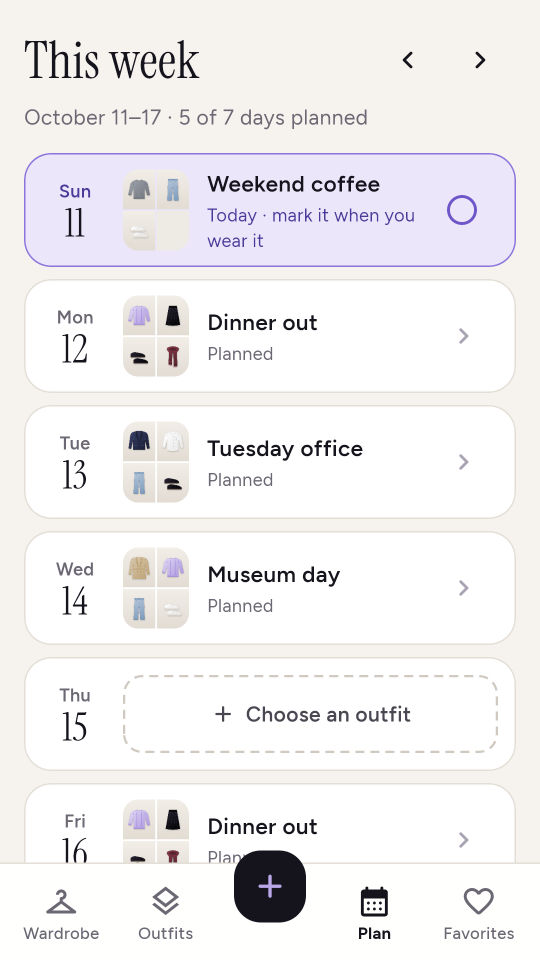
- Put an outfit on every day of the week and choose the day your week starts
- Fill empty days with your saved outfits in one tap
- Tap "I wore it today" to keep a simple history
SHARE
- Turn any outfit into a clean share card, save it to your photos or send it to a friend
PRIVATE BY DESIGN
- Everything works offline, no account
- Clothes, photos and plans are stored only on this device; back them up to a file you choose and restore them whenever you need
- Optional daily reminder (off by default)
- Usage statistics and crash reports are sent only if you allow them
- 15 languages, light and dark theme
FREE AND PREMIUM
The free version covers all the basics for up to 50 items and 15 outfits. A small banner labeled "Ad" appears in the Favorites feed and at the end of the outfits list; there are no ads in forms. Premium removes the limits and the ads, unlocks wardrobe stats (most worn and never worn) and lets you hide the logo on share cards. Premium is offered as a monthly or yearly subscription or as a one-time lifetime purchase; versions that show ads also offer a one-time option that only removes the ads.
Subscriptions renew automatically at the same price unless cancelled at least 24 hours before the end of the current period. Payment is charged to your Google Play account; you can manage or cancel your subscription at any time in your account settings. Prices are shown in the store.
Privacy policy: https://apps.foxperstudios.com/bugun_ne_giysem/privacy
Terms of use: https://apps.foxperstudios.com/bugun_ne_giysem/terms