

About What to Cook?
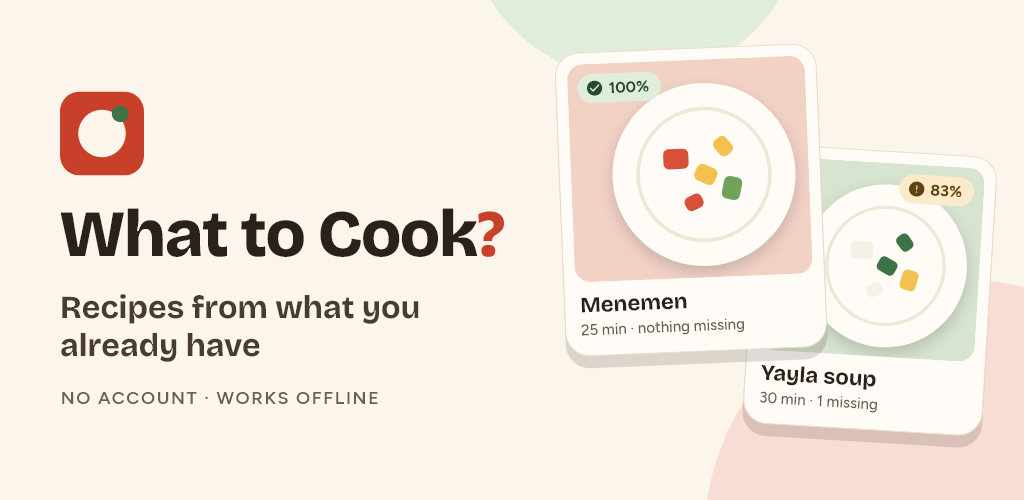
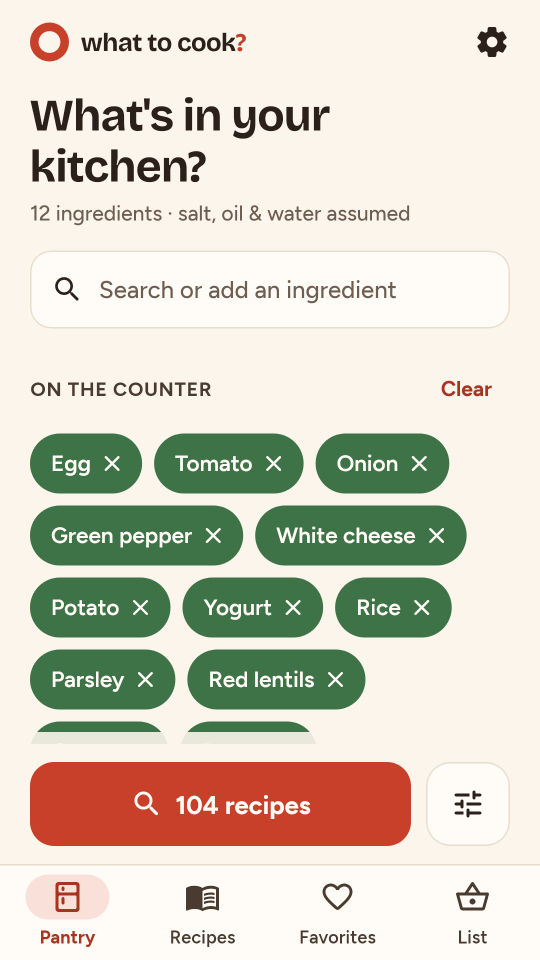
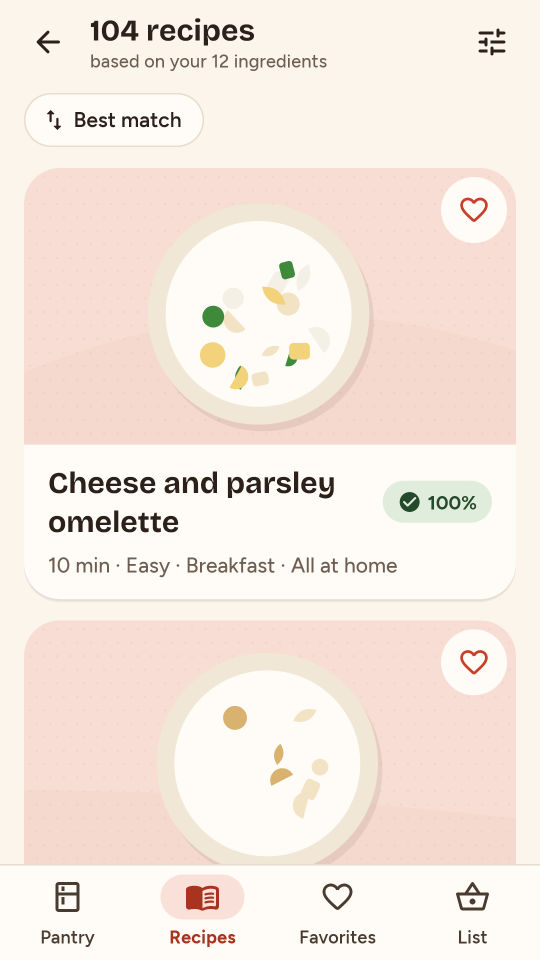
What to Cook? finds recipes from what you already have. Tick the ingredients in your kitchen and see original recipes ranked by how well they match, with the missing ingredients listed under each one.
HOW IT WORKS
- Pick ingredients by category, by search or with a quick basket (Breakfast basics, Pantry staples, Veggie drawer, Quick dinner).
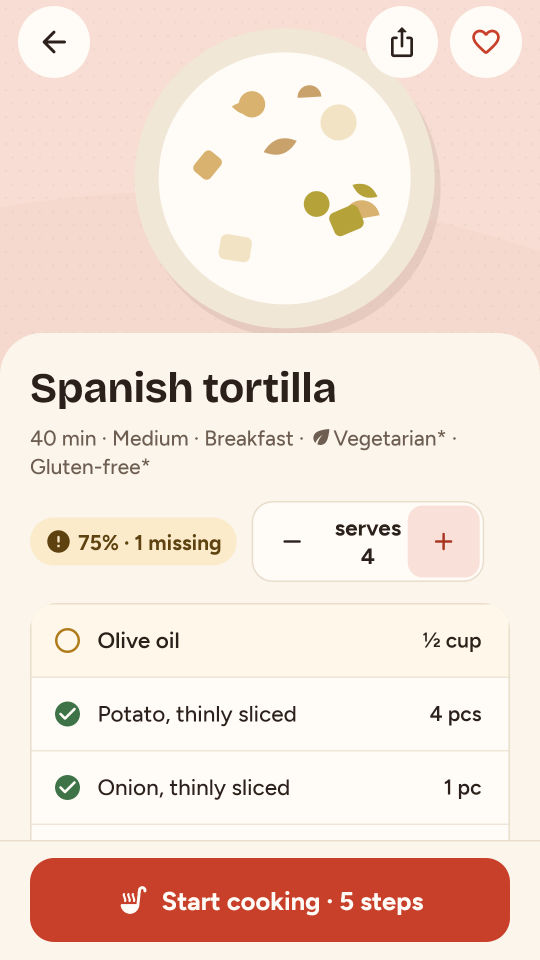
- Every recipe shows a match percentage and exactly what is missing. Salt, black pepper, oil and water can be assumed.
- Filter by total time, meal and diet (vegetarian, vegan, gluten-free), and leave out dairy, gluten, egg, nuts, sesame or fish. Or show only what you can make right now.
COOK STEP BY STEP
- Scale the servings up or down; quantities are rounded to amounts you can actually measure.
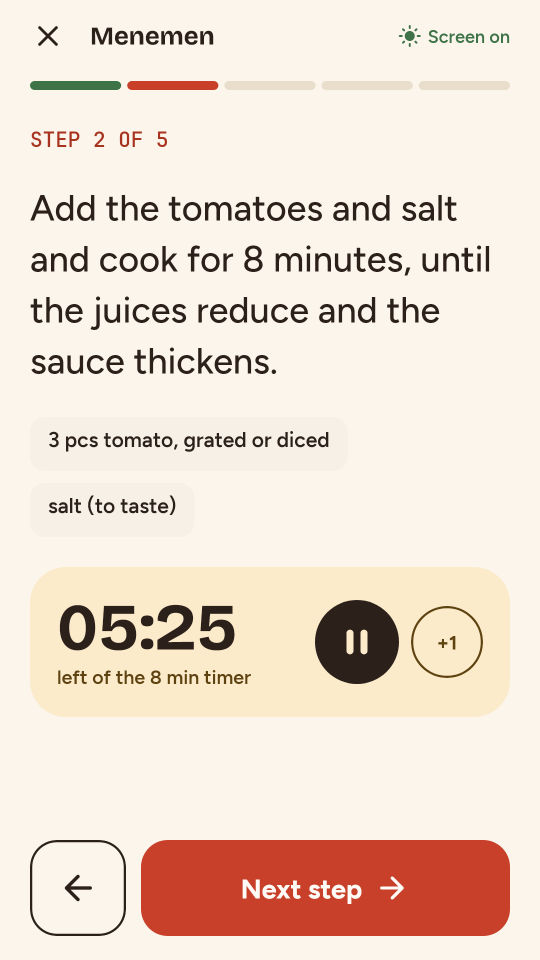
- Cook mode shows one step at a time, with step timers, an alarm and the screen kept on.
- An optional timer notification while the app is in the background, and an optional dinner reminder. Both stay off until you turn them on.
SHOPPING LIST
- Add the missing ingredients to your list with one tap. The same ingredients are combined; units are only added up when they really match (g and kg, ml and l).
- Type your own items, tick off what you bought and move it to your pantry.
- Share the list as text.
FAVORITES AND SHARING
- Save the recipes you love and find them again quickly.
- Share a recipe as a card image or as text, or save the card to your photos.
YOUR DATA STAYS WITH YOU
- No account, no sign-up. Your pantry, list and favorites stay on this device.
- Works fully offline.
- Back up to a file and restore it on another phone. "Delete all data" removes everything.
- Usage statistics and crash reports are only sent if you allow them.
- Dark mode, large text and screen reader support.
- Available in 15 languages.
FREE AND PREMIUM
The free version is fully usable: pantry, matching, shopping list, cook mode, sharing and backups have no limits. It includes the 120-recipe base pack and up to 20 favorites, with a small banner ad in the recipe list and on the "Enjoy your meal!" screen. Your data is never locked.
Premium adds 60 more recipes (From the oven, World kitchen, Meze & olive oil dishes) and unlimited favorites, and removes all ads. Premium is available as a monthly or yearly subscription or as a one-time lifetime purchase. A separate one-time purchase removes only the ads.
Payment is charged to your Google Play account. Subscriptions renew automatically unless cancelled at least 24 hours before the end of the current period. You can manage or cancel them anytime in your Google Play account settings.
Every recipe was written for this app. Diet and allergen labels are for information only and are not a guarantee; always check the product packaging. What to Cook? gives no medical or nutrition advice.
Privacy policy: https://apps.foxperstudios.com/evde_ne_pisirsem/privacy
Terms of use: https://apps.foxperstudios.com/evde_ne_pisirsem/terms