
About Where Did I Put It?
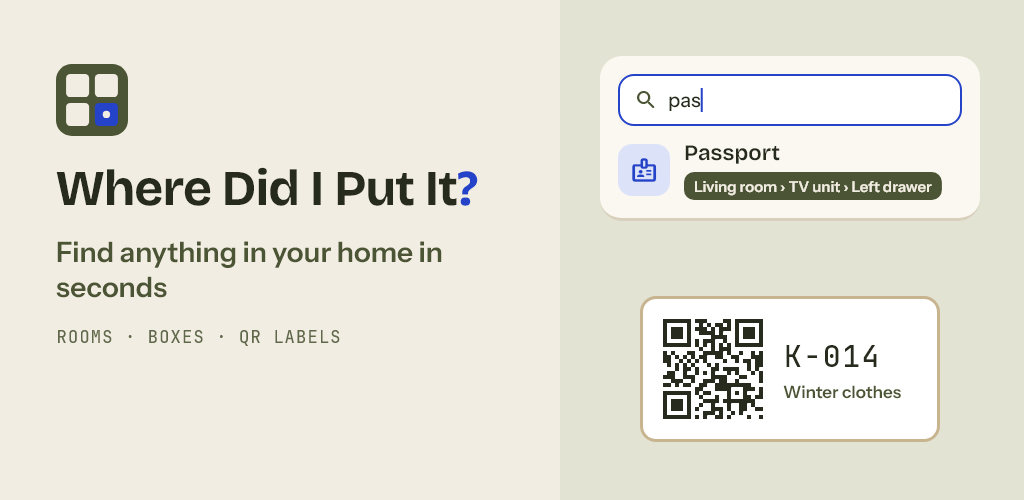
Where Did I Put It? is a home inventory that answers one question fast: where is it? Save things by home, room, cupboard and drawer, pack them in numbered boxes with QR labels, and find anything in a second, even without internet.
What you can do
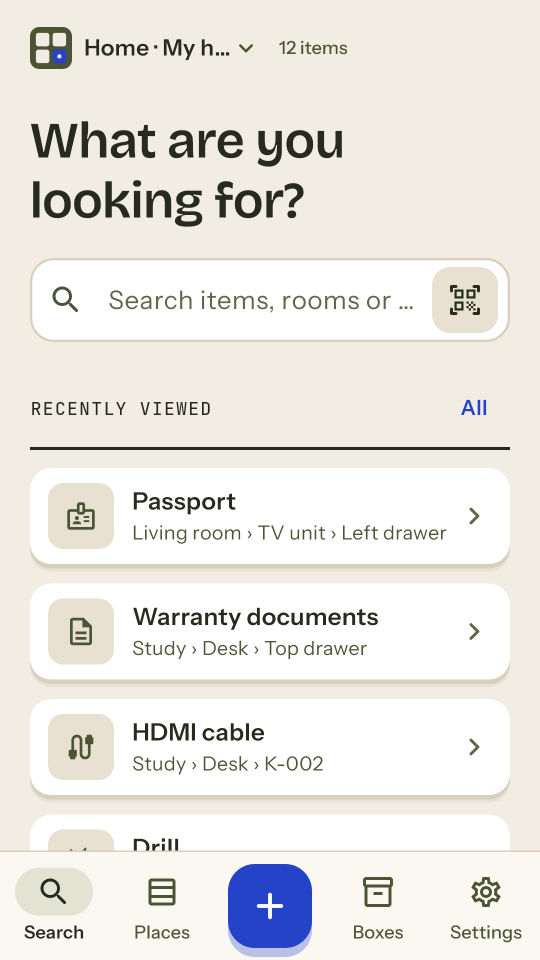
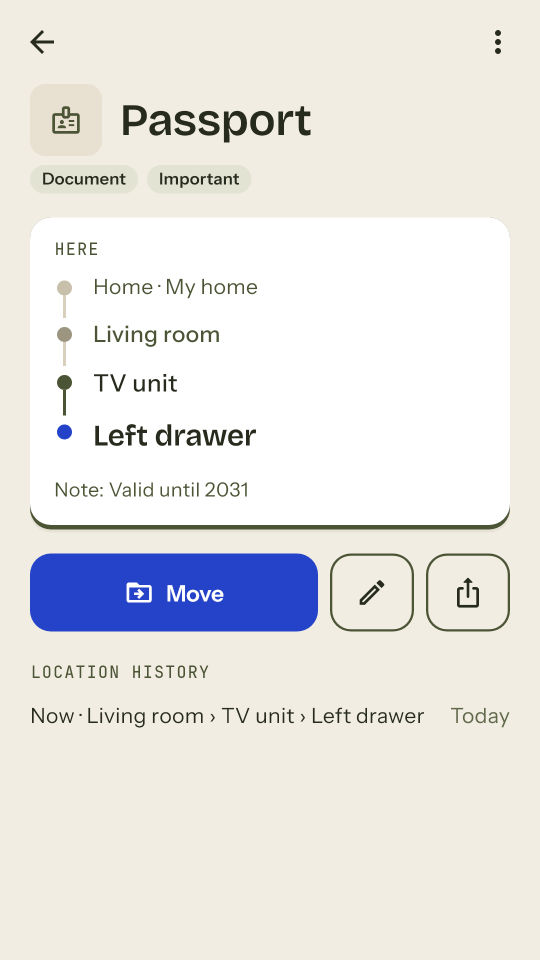
- Search as you type: results show the full place, e.g. Living room › TV unit › Left drawer. Accents don't matter, and small typos get a suggestion.
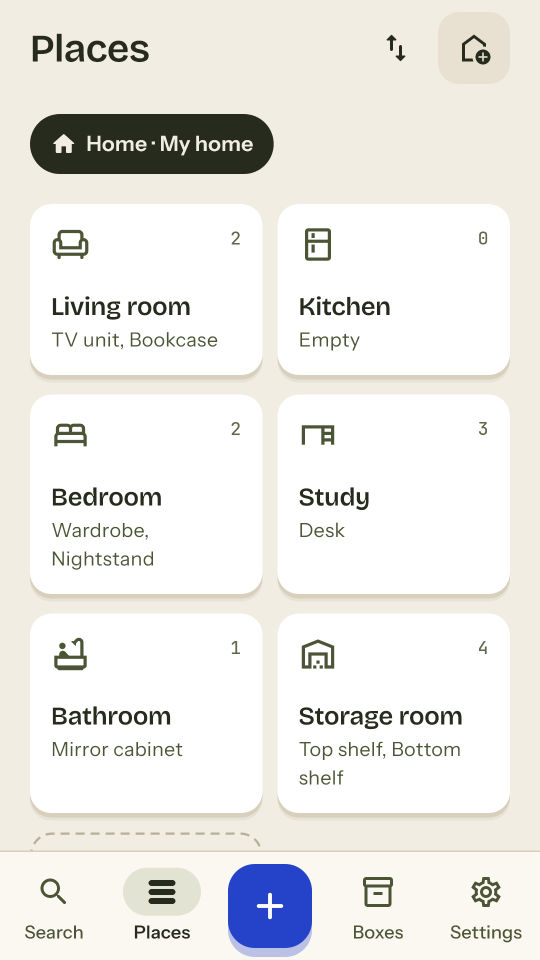
- Places as deep as your home: homes, rooms, furniture, shelves and drawers. Ready-made room and place suggestions get you started in a minute.
- Items with a photo, quantity, notes and tags (Document, Winter, Fragile…).
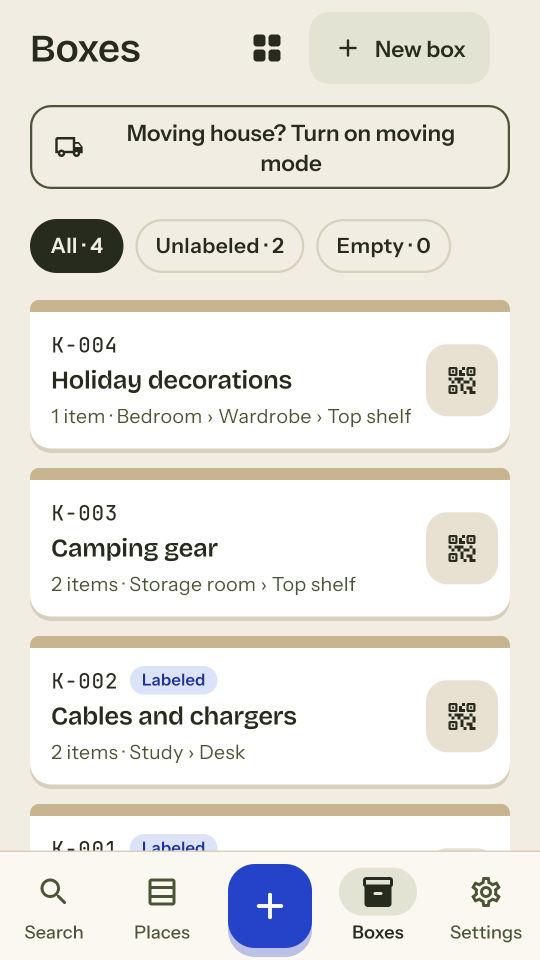
- Boxes with short codes (K-014): print a QR label, save it as a PDF or PNG, then scan the label with your camera to see what's inside.
- Moving mode: tick off boxes as they settle in the new home and see how many are still waiting.
- Share a box's content list as an image, PDF or text.
- Backup file with photos: move everything to a new phone or keep your own copy. Backups are free for everyone.
- Light and dark theme, large text support, tablet layout; available in 15 languages.
Private by design
- No account, no sign-up. Your items, places and photos are stored on your device; the app never sends them to a server. If your phone's Google backup is on, it may include this data.
- There is no cloud sync between devices. To use your inventory on another phone, move a backup file.
- A QR label carries only the box code, never the contents or your address. The content list opens only on the device where you saved it (or one where you restored its backup).
Free and Premium
The free version is fully usable: up to 150 items, 20 boxes and 2 homes, 1 photo per item, single QR labels, search, places, moving mode and backups. A simple banner ad may appear at the end of some lists; never in forms or while scanning.
Premium removes the limits: unlimited items, boxes and homes, 5 photos per item, A4 label sheets (21 per sheet), CSV export and no ads. Choose a monthly or yearly subscription or a one-time lifetime purchase. A one-time option that only removes ads is also available. Subscriptions renew automatically unless cancelled at least 24 hours before the end of the current period; manage or cancel them in your Google Play account settings. Purchases can be restored with the same store account.